
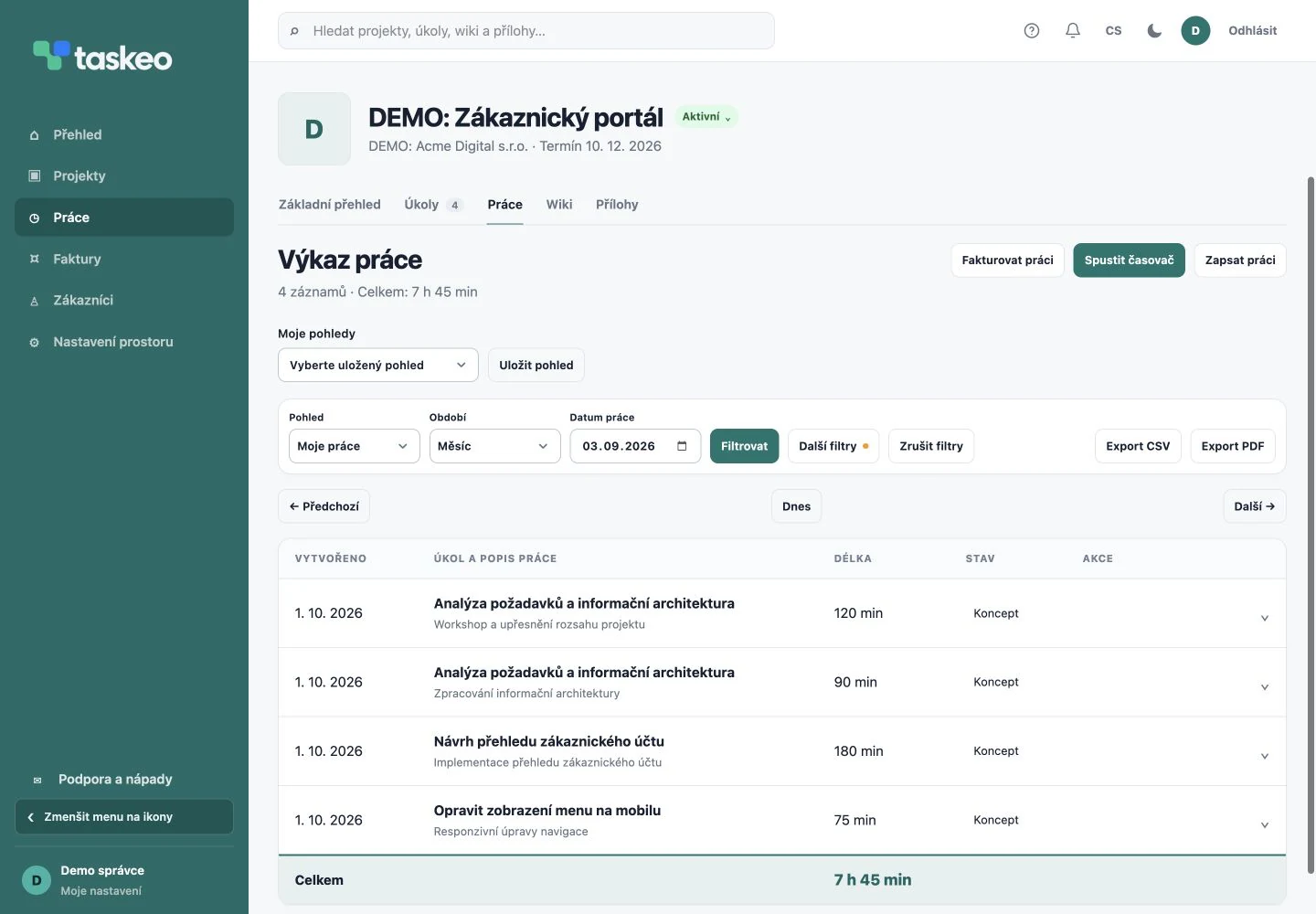
Timer and manual work entry
Record time as you work using a timer, or add it manually, for example after working on site. Each record includes a date, team member and activity description. Linking it to a task makes clear where the completed work belongs.
Timesheets are not a separate table that must be matched to jobs again before invoicing. The manager has review details in the project and can monitor hours and costs as work progresses.
How to prepare a clear timesheet
- Choose the project and specific task the work belongs to.
- Record the actual time and correct date.
- Describe the result: instead of a general “website work”, use, for example, “updated mobile navigation and checked the form”.
- In a team, review records before approving them. Incomplete work can be returned for more detail.
- Select only records that belong to the relevant period and scope for billing.
From record to review and invoicing
Approval can be configured per project; independent work in SOLO does not need team review. Records awaiting approval, ready to invoice and already invoiced stay distinct.
Illustrative example: implementation takes 3 hours, testing 2 hours, and mobile updates 2 hours 30 minutes. The timesheet shows 7 hours 30 minutes in total while retaining the individual activities and assignees. The customer gets specific supporting information rather than a single total.
Try Taskeo on your own projects.
You have 14 days to try it. Choose a plan for working on your own or with a team.
Compare plans →